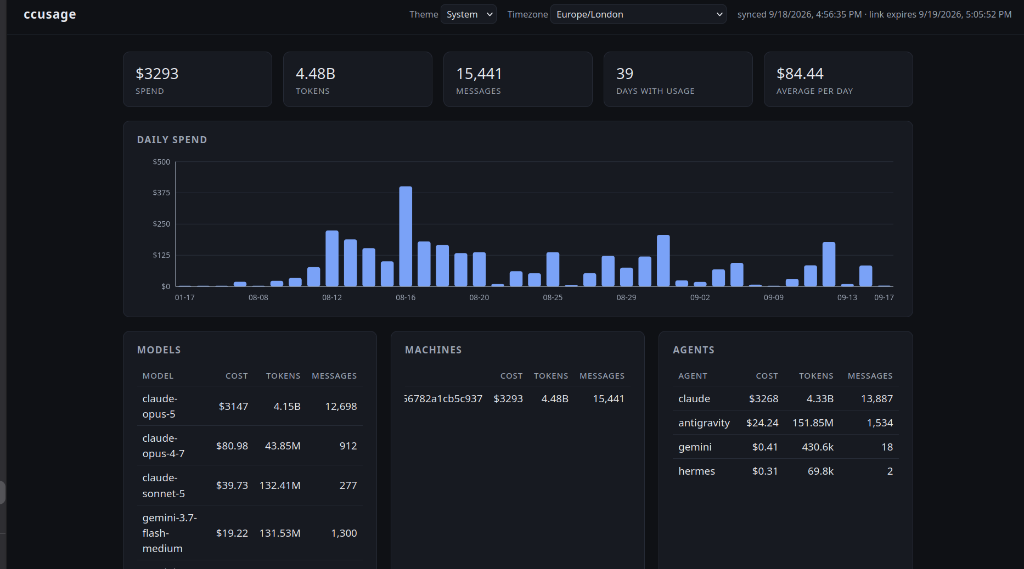
ccusage HTML dashboard showing spend metrics, token counts, daily spend bar chart, and per-agent usage breakdowns

Hacking on ccusage with Devin: Cloud Sync and HTML Dashboards

This week I went to the Devin Mixin / Hackathon event hosted at the Cloudflare offices in London. We were gifted a chunk of credits to use with Devin during the hackathon, and I decided to fork and add some features I wanted to krisfoster/ccusage. ccusage is an open-source CLI for tracking token consumption and cost across coding assistants and I find it super useful. I wanted to add two features that I felt were missing. First, aggregating token logs across separate development machines (into Google Cloud Storage - GCS), and secondly generating a nice HTML dashboard to show my aggregate profligate spend. Oh, and I want the dashboard to show me how much I could have saved by switching LLM provider. ...

September 18, 2026 · 3 min · 465 words · me@krismade.me
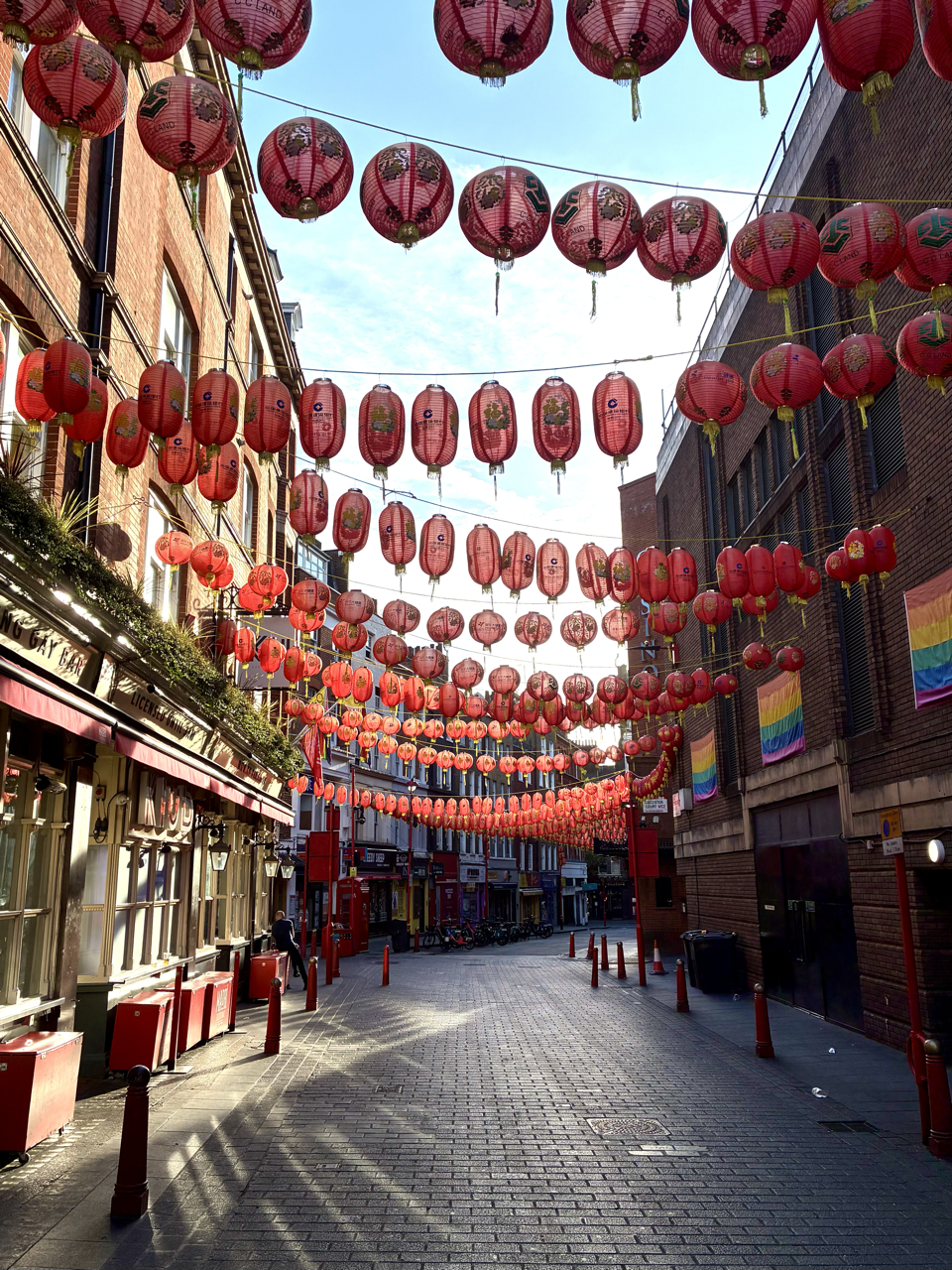
Rows of red Chinese lanterns hanging over a street in London Chinatown
Shark sculptures emerging from canal water in front of a brick warehouse
Gameplay demo of Crossy Whale showing the Docker whale navigating container obstacles

A Tour of the Docker Ecosystem in One Demo

Most container tutorials isolate individual tools. You read one guide on writing multi-stage Dockerfiles, another on setting up Compose networking, and a third on integration testing. Seeing how these pieces integrate into a cohesive, production-grade architecture is much rarer. The open-source repository krisfoster/crossy-whale demonstrates this more complete workflow through a playable demo. It is a browser-based arcade game starring the Docker whale navigating lanes of container traffic, built in Go and vanilla JavaScript. Beneath the game sits an architecture showcasing six core container technologies in a single repository. 1. Multi-Service Orchestration with Docker Compose Running the entire stack locally requires one command: docker compose up -d Open docker-compose.yml. Compose coordinates five core services on a shared private bridge network: ...

September 1, 2026 · 6 min · 1197 words · me@krismade.me
Aged 17th-century pamphlet illustration of an automaton in a quarantine casket and a clerk applying a seal

Running Claude Code on AWS Bedrock Inside Docker Sandbox

Running AI coding agents inside disposable, network-isolated containers protects your host environment from unintended commands and untrusted dependencies. Docker Sandbox (sbx), Docker’s CLI tool for running coding agents inside isolated microVMs, enforces strict default-deny egress policies. However, authenticating Claude Code against AWS Bedrock inside sbx introduces specific credential challenges that standard bearer token proxying, the default for sbx, cannot handle. The companion repository krisfoster/claude-code-bedrock-sbx demonstrates two working architectures for connecting Claude Code to AWS Bedrock via AWS SSO: using the built-in claude-bedrock agent kit, or routing requests through a host-side LiteLLM proxy gateway. Why Bedrock Breaks Standard Sandbox Secrets Most AI providers authenticate requests with static bearer tokens sent in an HTTP authorization header. In that scenario, sbx keeps real API keys on the host machine. The sandbox guest container receives a placeholder string. When the agent issues an outbound request, the sbx host proxy intercepts the traffic, strips the placeholder, and injects the genuine secret before forwarding the call upstream. Real credentials never enter the microVM. ...

August 31, 2026 · 6 min · 1202 words · me@krismade.me
Aged 17th-century pamphlet illustration of persistent container storage and retention caskets

A Local Docker Registry That Survives a Reboot

Working offline, navigating corporate proxies that intercept TLS, or verifying whether a mirror configuration resolves correctly requires a container registry that you control. Docker provides an official container image for this, registry:2, which spins up a working registry with a single command: docker run -d -p 5000:5000 registry:2. However, running the container naively stores everything inside its writable layer, wiping your cached images the moment the container is removed. On top of that, standard docker tag behaviour makes it easy to accidentally overwrite images when pushing multiple versions. To solve these issues, I wrapped registry:2 in a small shell script, local-docker-registry. Here is how to handle persistence, avoid image clobbering, query the underlying HTTP API, and catch configuration drift. Persistence and Container Lifecycle Running the official registry image locally is straightforward: ...

August 24, 2026 · 6 min · 1150 words · me@krismade.me