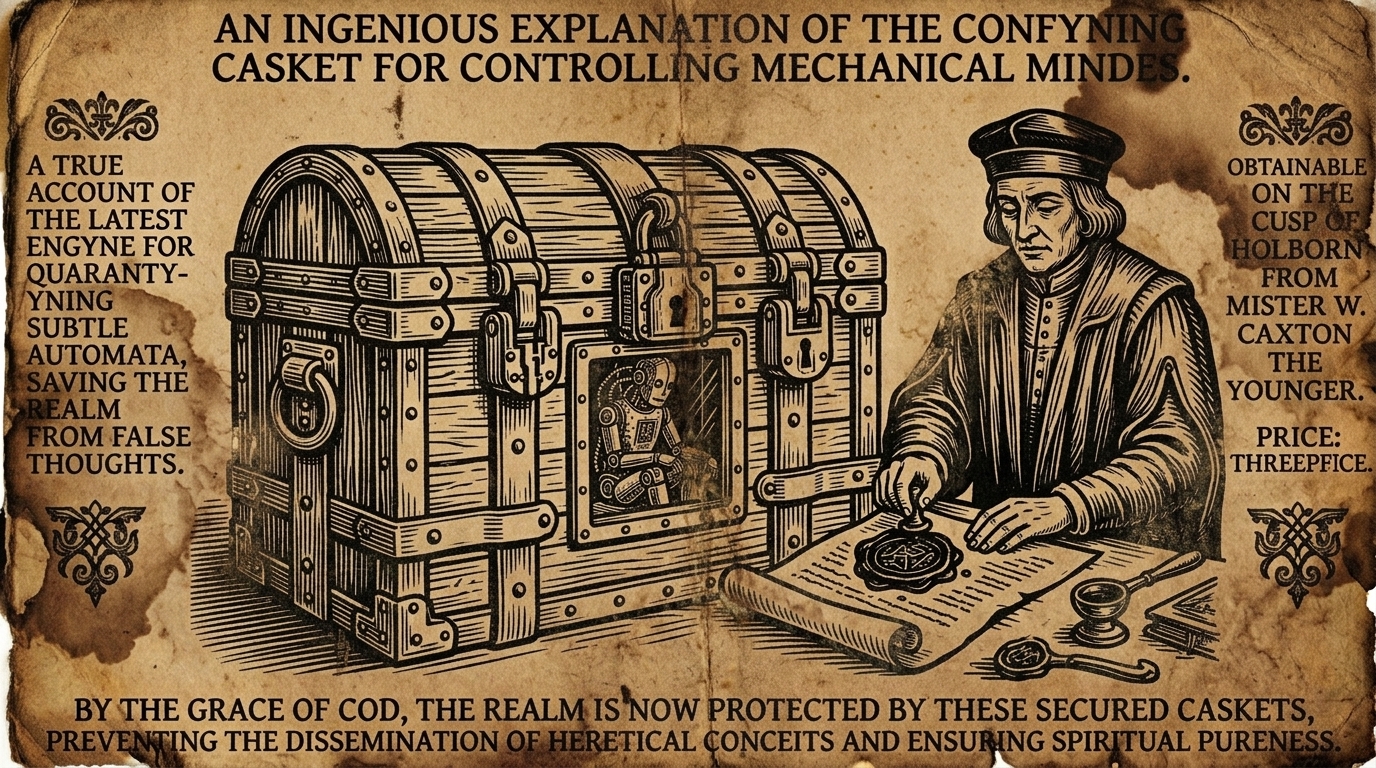
Running AI coding agents inside disposable, network-isolated containers protects your host environment from unintended commands and untrusted dependencies. Docker Sandbox (sbx), Docker’s CLI tool for running coding agents inside isolated microVMs, enforces strict default-deny egress policies. However, authenticating Claude Code against AWS Bedrock inside sbx introduces specific credential challenges that standard bearer token proxying, the default for sbx, cannot handle.
The companion repository krisfoster/claude-code-bedrock-sbx demonstrates two working architectures for connecting Claude Code to AWS Bedrock via AWS SSO: using the built-in claude-bedrock agent kit, or routing requests through a host-side LiteLLM proxy gateway.
Why Bedrock Breaks Standard Sandbox Secrets
Most AI providers authenticate requests with static bearer tokens sent in an HTTP authorization header. In that scenario, sbx keeps real API keys on the host machine. The sandbox guest container receives a placeholder string. When the agent issues an outbound request, the sbx host proxy intercepts the traffic, strips the placeholder, and injects the genuine secret before forwarding the call upstream. Real credentials never enter the microVM.
AWS Bedrock operates differently. It uses AWS Signature Version 4 (SigV4), which computes an HMAC-SHA256 cryptographic signature across the HTTP method, URI, request headers, timestamp, and body payload. Because the client library computes this signature prior to transmission using your secret access key, a host-side proxy cannot transparently swap in credentials after the fact. If the container holds an invalid placeholder, Bedrock rejects the request with SignatureDoesNotMatch or UnrecognizedClientException.
AWS SSO adds another layer of complexity. Instead of issuing permanent access keys, IAM Identity Center returns temporary Security Token Service (STS) credentials containing a session token. These credentials expire within hours and require ongoing refreshing.
To run Claude Code inside sbx, you must choose between two strategies:
- Inject short-lived STS credentials directly into the microVM and refresh them continuously.
- Terminate SigV4 on the host via a LiteLLM gateway, exposing a standard bearer-token endpoint to the sandbox.
Shared Environment Setup
Both approaches share common baseline settings: an AWS SSO profile, target region, and inference profile.
Environment Management with direnv
To prevent hardcoding configurations across multiple scripts, place non-secret environment variables in a root .env file managed by direnv:
# .env
PROFILE=bedrock
REGION=us-east-1
GEO=us
HAIKU=us.anthropic.claude-haiku-4-5-20251001-v1:0
Bedrock uses cross-region inference profiles to route requests across multiple AWS data centres in a region group, improving availability and throughput. For newer models like Claude Haiku 4.5, Bedrock mandates this prefixed identifier (us.anthropic...) rather than a direct model ID. The geographical prefix (such as us. or eu.) must match the destination AWS region.
Allow direnv in your project folder:
direnv allow
AWS SSO Profile Initialisation
Configure your host AWS CLI with an SSO profile:
aws configure sso --profile bedrock
aws sso login --profile bedrock
aws sts get-caller-identity --profile bedrock
The SSO start URL is your organization access portal URL from IAM Identity Center. All authentication prompts execute on your host machine; the sandbox never runs interactive browser logins.
Pattern 1: The Native claude-bedrock Kit
The built-in claude-bedrock agent handles credential lifecycle management natively. On the host, sbx resolves your SSO profile into short-lived STS credentials, passes them into the sandbox container environment at runtime, and refreshes them before expiration.
1. Register the Profile
Store your SSO profile identifier in the sbx keychain once:
echo "$PROFILE" | sbx secret set bedrock
2. Configure Egress Policy
In sbx, a kit is a declarative YAML manifest that applies custom network rules, mounts, or environment variables to a sandbox. Because sbx defaults to denying all outbound traffic, create a mixin specification (bedrock-kit/spec.yaml) that explicitly permits Bedrock endpoints:
schemaVersion: "1"
kind: mixin
name: bedrock-haiku
network:
  allowedDomains:
    - bedrock-runtime.us-east-1.amazonaws.com:443
    - bedrock.us-east-1.amazonaws.com:443
environment:
  variables:
    CLAUDE_CODE_USE_BEDROCK: "1"
Validate the kit:
sbx kit validate ./bedrock-kit
3. Pin Model Settings
Create a directory-level configuration file at .claude/settings.json to instruct Claude Code to use your provisioned Haiku inference profile:
{
  "env": {
    "ANTHROPIC_MODEL": "us.anthropic.claude-haiku-4-5-20251001-v1:0",
    "ANTHROPIC_DEFAULT_HAIKU_MODEL": "us.anthropic.claude-haiku-4-5-20251001-v1:0"
  }
}
4. Launch the Sandbox
Run Claude Code with the mixin kit applied to the workspace:
sbx run --kit ./bedrock-kit claude-bedrock .
Inside the active session, running /status confirms that Claude Code is operating in Bedrock mode.
Pattern 2: Host-Side LiteLLM Gateway
The LiteLLM pattern completely isolates AWS credentials from the guest environment. A lightweight LiteLLM container runs on the host, mounts ~/.aws read-only, and performs SigV4 signing on behalf of the sandbox. The sandbox interacts with a standard Anthropic-compatible /v1/messages endpoint using a simple API token.
1. Compose Configuration
Define the gateway in a docker-compose.yml file using an inline configuration block. The configuration defines LITELLM_MASTER_KEY (the bearer token clients use to query the gateway) and LITELLM_SALT_KEY (used internally to encrypt stored credentials):
services:
  litellm:
    image: ghcr.io/berriai/litellm:main-latest
    ports:
      - "127.0.0.1:4000:4000"
    volumes:
      - ~/.aws:/root/.aws:ro
    environment:
      AWS_PROFILE: ${PROFILE}
      AWS_REGION_NAME: ${REGION}
      LITELLM_MASTER_KEY: sk-1234
      LITELLM_SALT_KEY: sk-REPLACE-ME
    configs:
      - source: litellm_config
        target: /app/config.yaml

configs:
  litellm_config:
    content: |
      model_list:
        - model_name: bedrock-claude-haiku
          litellm_params:
            model: bedrock/${HAIKU}
            aws_region_name: ${REGION}
            aws_profile_name: ${PROFILE}
Start the proxy on your host:
docker compose up -d
Verify that LiteLLM can invoke Bedrock over its local HTTP port:
curl -sS http://localhost:4000/v1/messages \
  -H "content-type: application/json" \
  -H "x-api-key: sk-1234" \
  -H "anthropic-version: 2023-06-01" \
  -d '{
    "model": "bedrock-claude-haiku",
    "max_tokens": 64,
    "messages": [{"role": "user", "content": "Reply with: ok"}]
  }'
2. Network Policy and Proxy Rewriting
When configuring network access from sbx to the host LiteLLM container, domain resolution requires specific care. Claude Code inside the container targets http://host.docker.internal:4000. However, the sbx egress proxy normalises host.docker.internal:<port> to localhost:<port> before evaluating network policy rules.
Because of this normalisation, your mixin kit (litellm-kit/spec.yaml) must allow localhost:4000 rather than host.docker.internal:4000:
schemaVersion: "1"
kind: mixin
name: litellm-gateway
network:
  allowedDomains:
    - localhost:4000
If you specify host.docker.internal:4000 in allowedDomains, the rule check fails and the proxy blocks the request with Blocked by network policy: domain localhost:4000.
3. Configure Claude Code
Point Claude Code at the host gateway in .claude/settings.json:
{
  "env": {
    "ANTHROPIC_BASE_URL": "http://host.docker.internal:4000",
    "ANTHROPIC_AUTH_TOKEN": "sk-1234",
    "ANTHROPIC_MODEL": "bedrock-claude-haiku"
  }
}
Setting ANTHROPIC_AUTH_TOKEN passes the key via the Authorization: Bearer header. This avoids triggering sbx’s automated secret injector, which specifically watches for the ANTHROPIC_API_KEY environment variable to substitute placeholder values. Do not set CLAUDE_CODE_USE_BEDROCK here, as the agent communicates with an Anthropic-compatible gateway rather than the Bedrock API directly. The ANTHROPIC_AUTH_TOKEN value must match LITELLM_MASTER_KEY in your Compose file, otherwise the gateway returns HTTP 401 Unauthorized.
Launch the sandbox using the standard claude agent (rather than claude-bedrock):
sbx run --kit ./litellm-kit claude .
To verify connectivity inside the microVM, query LiteLLM’s liveliness endpoint:
curl -sS http://host.docker.internal:4000/health/liveliness
Architecture Comparison
| Dimension | Native claude-bedrock Kit | LiteLLM Gateway |
|---|---|---|
| Agent Target | Experimental claude-bedrock agent | Standard claude agent |
| Credential Boundary | Short-lived STS tokens injected into VM | AWS keys remain strictly on the host |
| Infrastructure Overhead | None, uses built-in sbx features | Requires a local Docker Compose service |
| Agent Flexibility | Bound to Claude Code agent | Works with any agent supporting OpenAI or Anthropic APIs |
| SSO Expiration | Host CLI refresh propagates to sandbox | Run aws sso login and restart Compose container |
Summary
When working with AWS Bedrock in restricted developer sandboxes, SigV4 requirements prevent conventional outbound token replacement. The native claude-bedrock kit provides a direct path by managing short-lived STS tokens inside the guest VM. Alternatively, the host LiteLLM gateway provides stronger security boundaries by keeping all AWS signing outside the microVM entirely.
Complete configuration files, kits, and Compose recipes are available in the repository at github.com/krisfoster/claude-code-bedrock-sbx.